

Today there are 62 different check printing software. We spent 155 hours comparing the top 50 to find the seven best you can use to eliminate the stress of servicing physical payments.
What is the Best Check Printing Software?
- Online Check Writer — best of the best
- Deluxe — best for custom checks
- Checkeeper — best for accounting integrations
- CheckBuilderPro — best for individuals and small businesses
- Print Checks Pro — best for Windows
- ezCheckPrinting — best for MICR printing
- VersaCheck — best for home use
Our Verdict — Best Of The Best
Price: Pay as you go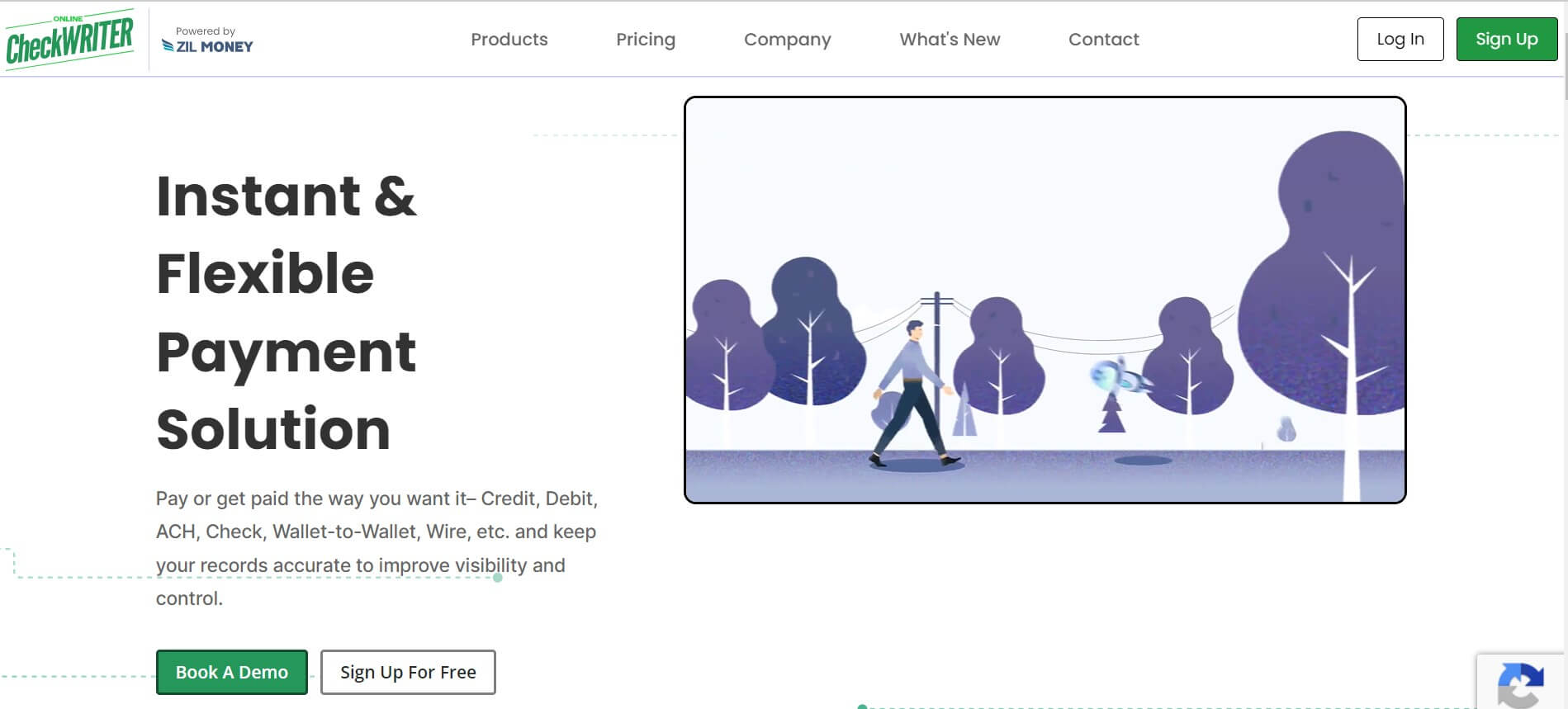
Online Check Writer is a spectacular web check printing software. We think it’s the best because of its enterprise features, its security, and the many ways it lets you pay and get paid.
The Best Part:
Built-in security features. Prevent fraud and unauthorized access to sensitive information and checking data.
The Worst Part:
Difficult to navigate at first. A demo and onboarding may be necessary in order to figure out all of Online Check Writer's features.
Get it if you want an efficient enterprise solution for managing and printing checks.
I recommend you book a sales demo through the website, then start with the Pay As You Go plan.
(60-day money-back guarantee)
Best For
Online Check Writer is best for businesses that want a reliable check printing software tool.
Top Features
- $5 ACH fee cap. On Pay As You Go, ACH payments from your bank account cost 1% with a $5 maximum.
- Pay and get paid your way. Send printed checks, mailed checks, eChecks, ACH, or wires, and get paid with payment links.
- Pay with a credit card. Pay vendors by credit card, even when they don’t accept cards, and they receive a check, ACH, or wire.
- Accounting integrations. Sync with QuickBooks, Xero, Zoho Books, and other accounting tools.
- Mail checks in one click. Have Online Check Writer print and mail your checks through USPS or FedEx.
Pricing
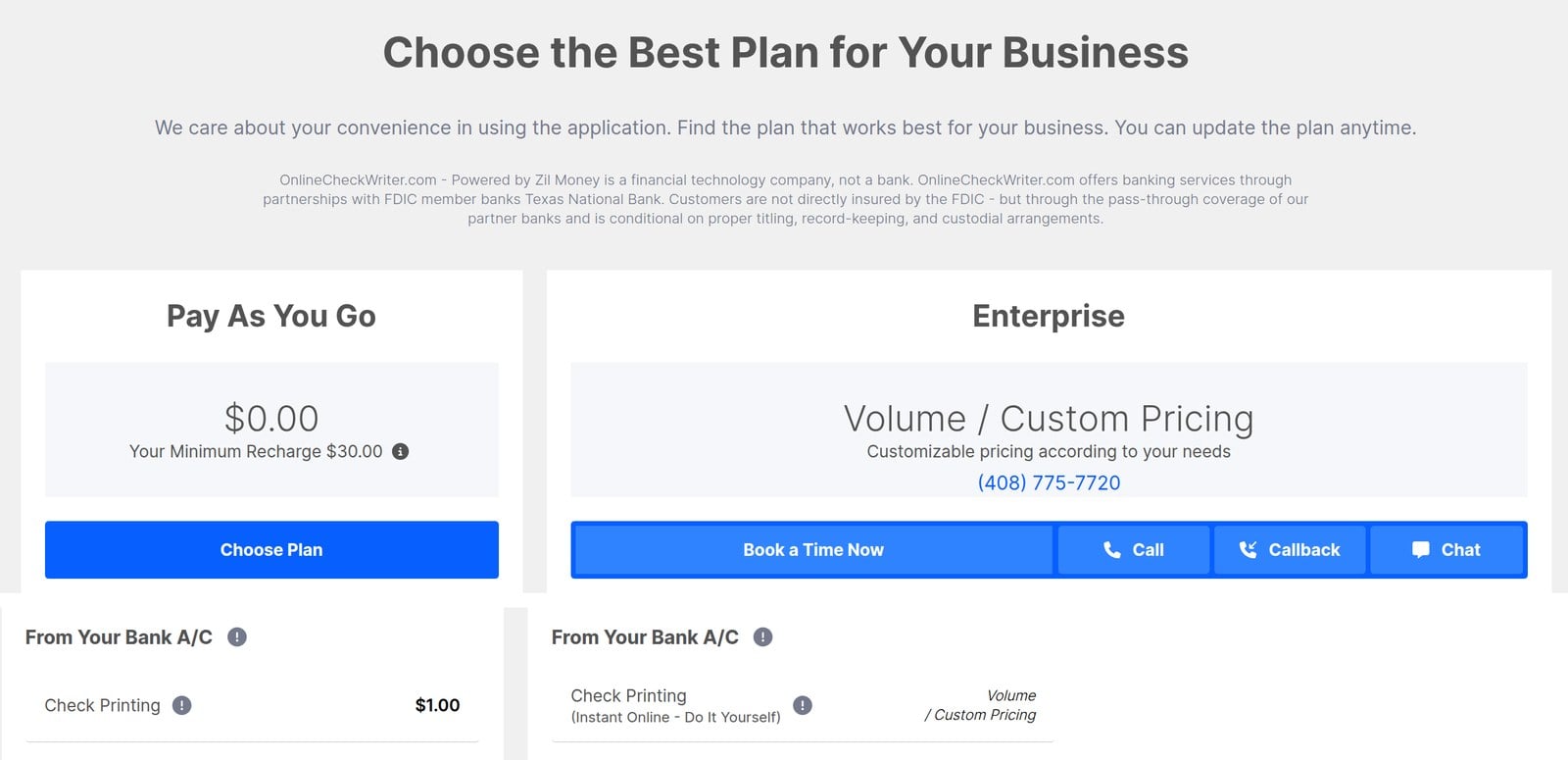
Online Check Writer offers two pricing plans:
- Pay As You Go: $0/month with a $30 minimum recharge, for individuals and small businesses that pay per operation, such as $1 per printed or emailed check.
- Enterprise: Custom pricing for businesses that need volume pricing, custom integrations, and one-on-one support.
Try Online Check Writer today with a 60-day money-back guarantee.
2. Deluxe
Our Verdict — Best For Custom Checks
Price: Starts at $79.99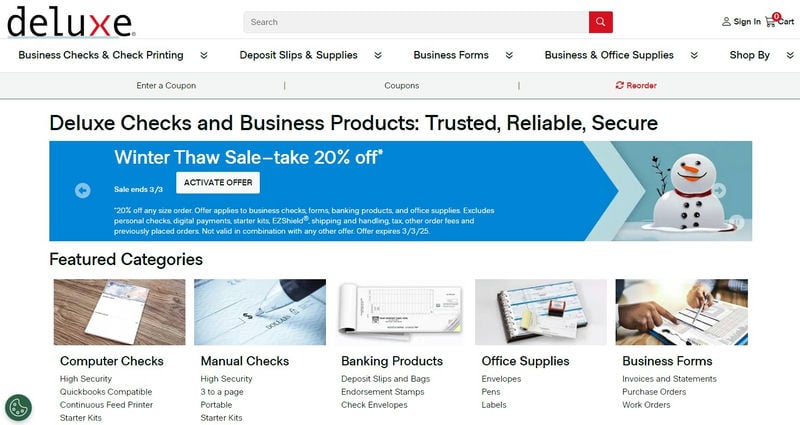
Deluxe can create all kinds of custom checks, no matter what your needs are. We think it’s the best for custom checks because of its anti-fraud features and its extensive software compatibility.
The Best Part:
High security. Deluxe’s high-security checks are built with anti-fraud features that make your business checks hard to copy or alter.
The Worst Part:
Too many options. If you’re new to printing your own checks, Deluxe might feel a bit overwhelming, at first.
Get it if you want to create and print secure checks that will play nice with your existing tech stack.
I recommend you get started with the business check starter kits.
(100% satisfaction guarantee)
Best For
Deluxe is best for anyone who wants custom, anti-fraud checks.
Top Features
- Keep safe from fraud. Deluxe is full of anti-fraud features that will help you have the confidence and security you need to run your business.
- Incredible support. Deluxe’s incredible support team is always a phone call away from helping you find the custom solution you need for your biz.
- 100% satisfaction guarantee. If you’re not completely satisfied, Deluxe will work with you to make it right — getting you credit, new products, or even your money back.
- Tradition matters. With over 110 years in the check business and millions of small businesses as customers, Deluxe knows this business inside and out.
- Everything for your business. Computer checks, manual checks, banking products, office supplies, business forms… Find all those and more, under the Deluxe roof.
Pricing
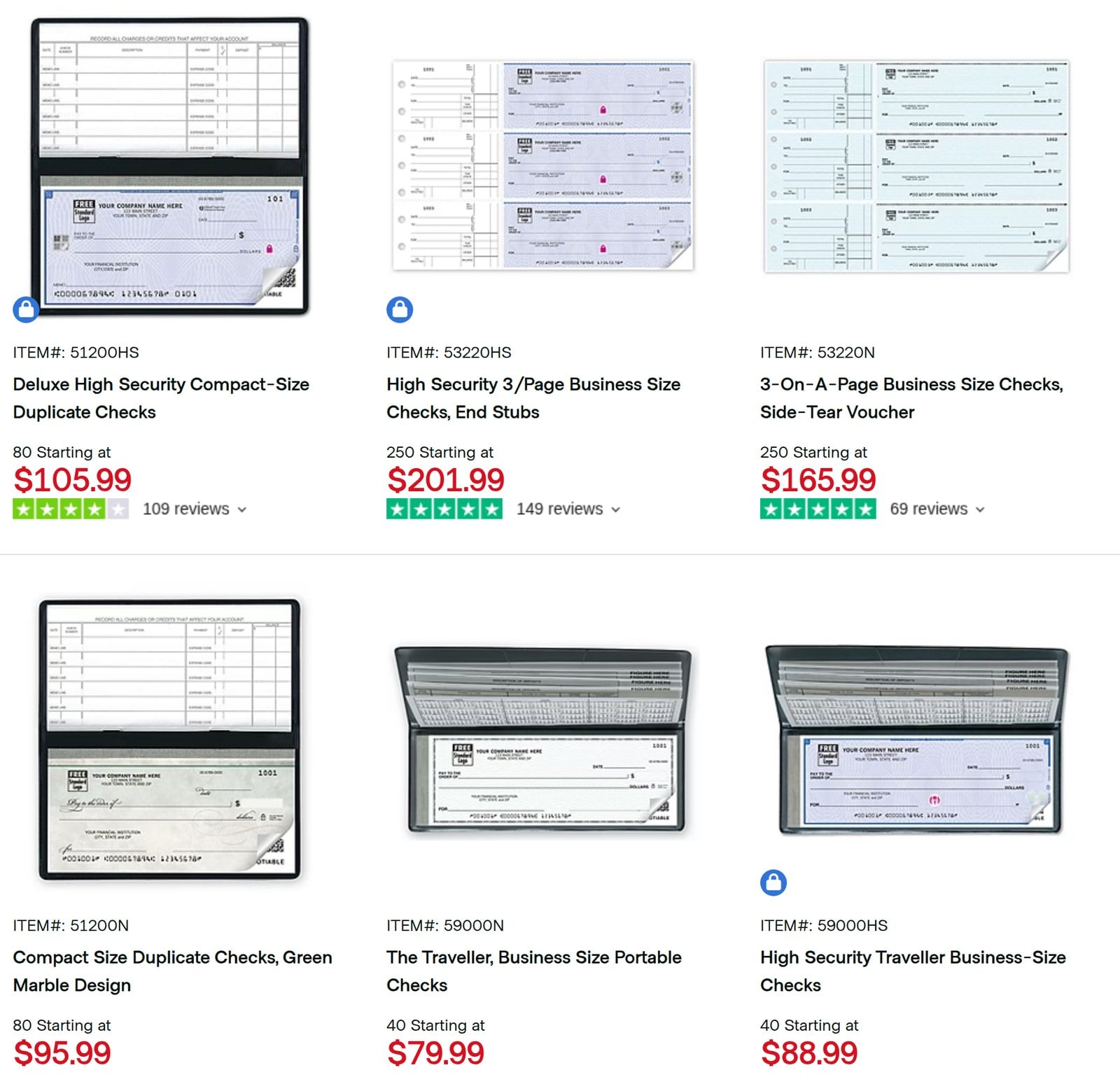
Deluxe prices each check product by box:
- Manual business checks: Start at $79.99 for 40 portable business checks.
- High-security checks: Start at $88.99 for 40 business-size portable checks.
Try Deluxe today with a 100% satisfaction guarantee.
3. Checkeeper
Our Verdict — Best For Accounting Integrations
Price: Starts at $14.99/month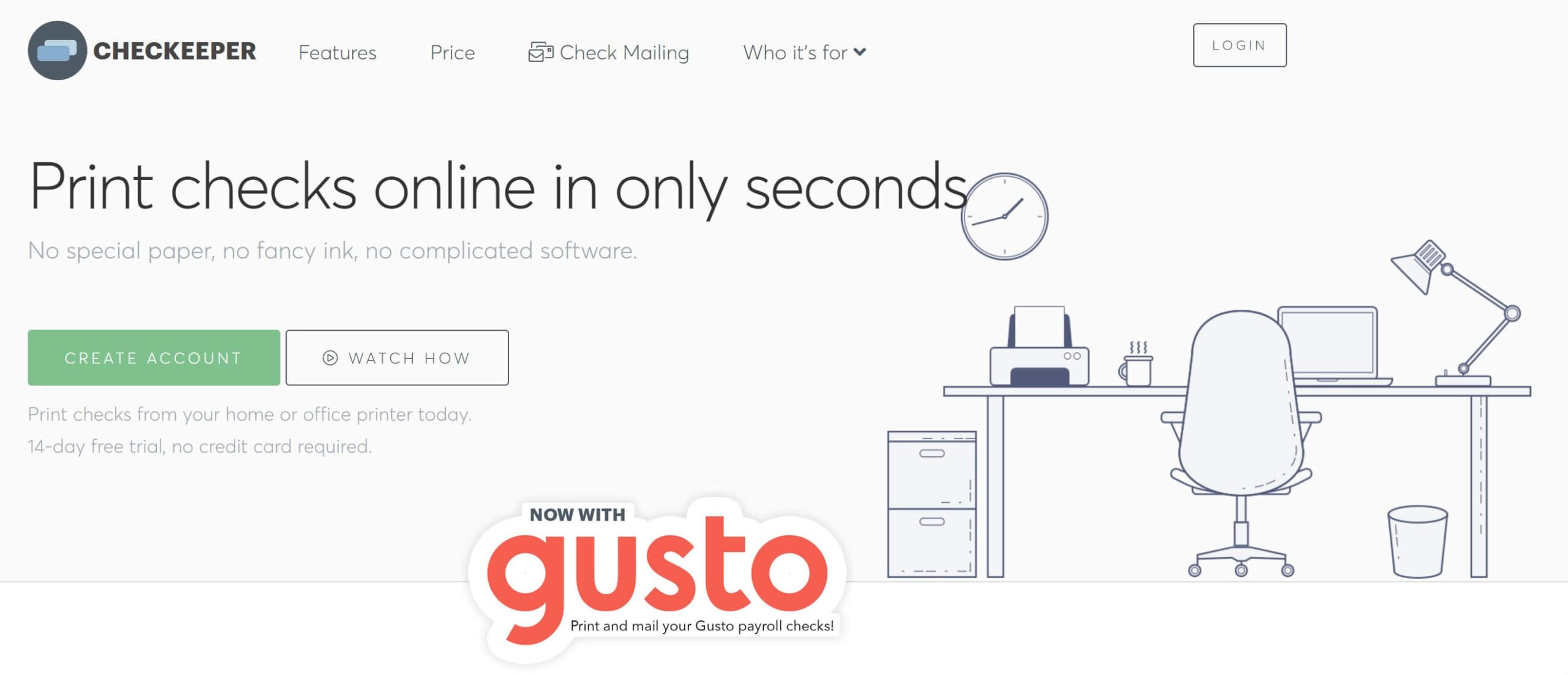
Checkeeper is an amazing cloud-based online check printing software. We think it’s the best for accounting integrations because of its direct Xero, QuickBooks, and FreshBooks connections, unlimited pricing plan, and highly dedicated support.
The Best Part:
Straightforward pricing. Pay a fixed $14.99/mo for unlimited check prints from day one.
The Worst Part:
It has no dedicated enterprise plans. Checkeeper may not have the best options for enterprises and very large businesses looking for a more complex check printing software tool.
Get it if you want a straightforward and efficient tool to print checks online.
I recommend you sign up for the free 14-day trial and connect your accounting workflow to the software, then get the unlimited plan at $14.99/mo to start printing your checks.
(14-day free trial)
Best For
Checkeeper is best for individuals and businesses that want to outsource their check printing set-up.
Top Features
- Integrations with top accounting tools. Connect tools such as Xero, QuickBooks, and FreshBooks with just a few clicks.
- Multiple bank account management. Add more than just one account in a single registry to enjoy an all-in-one printing solution.
- Batch printing. Print multiple checks at once and save loads of time and effort.
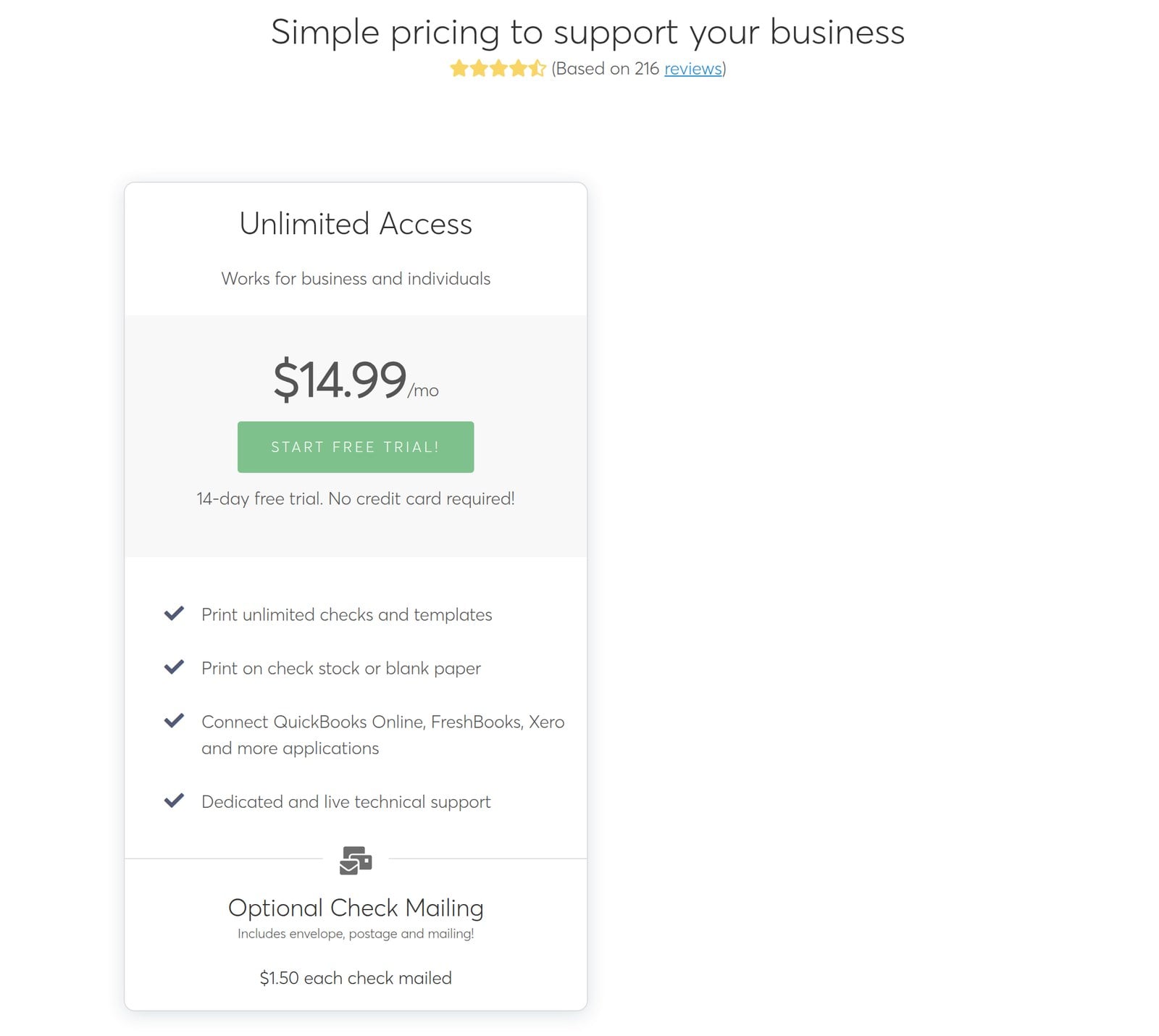
- Simplified pricing plan. Get unlimited check prints with the $14.99/mo subscription without incurring any extra expenses.
- Powerful check management and search. Quickly find and select the checks to print with just a few clicks.
Pricing
Checkeeper offers one pricing plan:
- Unlimited Access: $14.99/mo for individuals and businesses who want to print unlimited checks and templates.
Try Checkeeper today with a free 14-day trial.
Our Verdict — Best For Individuals and Small Businesses
Price: Starts at $59.95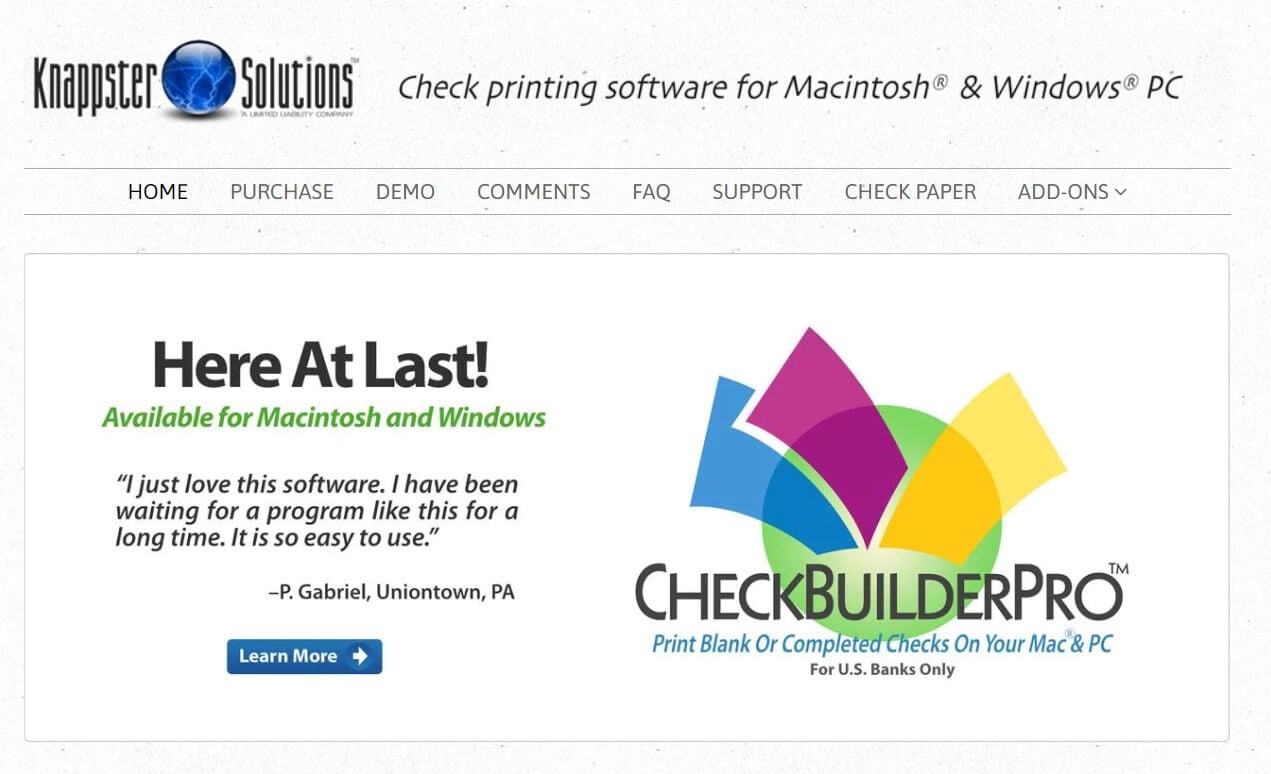
CheckBuilderPro is a downloadable PC and Mac check printing program. We think it’s the best for individuals and small businesses because of its affordable lifetime pricing.
The Best Part:
One-time download payment. Pay once in a lifetime and print unlimited checks with no hidden or recurring fees.
The Worst Part:
It doesn't integrate with accounting tools. You can't connect CheckBuilderPro with accounting software or other tools like QuickBooks.
Get it if you want to streamline your check printing for your small business or personal use.
I recommend you download the demo version to test the software, then take advantage of the bundle offer for a $69.95 one-time fee.
(free demo version)
Best For
CheckBuilderPro is best for individual and small business owners who want a simple check printing program.
Top Features
- Use unlimited accounts. Connect as many bank accounts as you need at no extra cost.
- Reporting features. Export comprehensive summary reports for your activity on the software.
- Check customization options. Print custom checks with your own logos, signatures, fonts, and more.
- No subscription or regular fees. Pay a one-time download fee and print checks for free, forever.
- Batch printing add-on. Print checks in batches from your spreadsheet data in a matter of seconds.
Pricing
CheckBuilderPro offers two pricing plans:
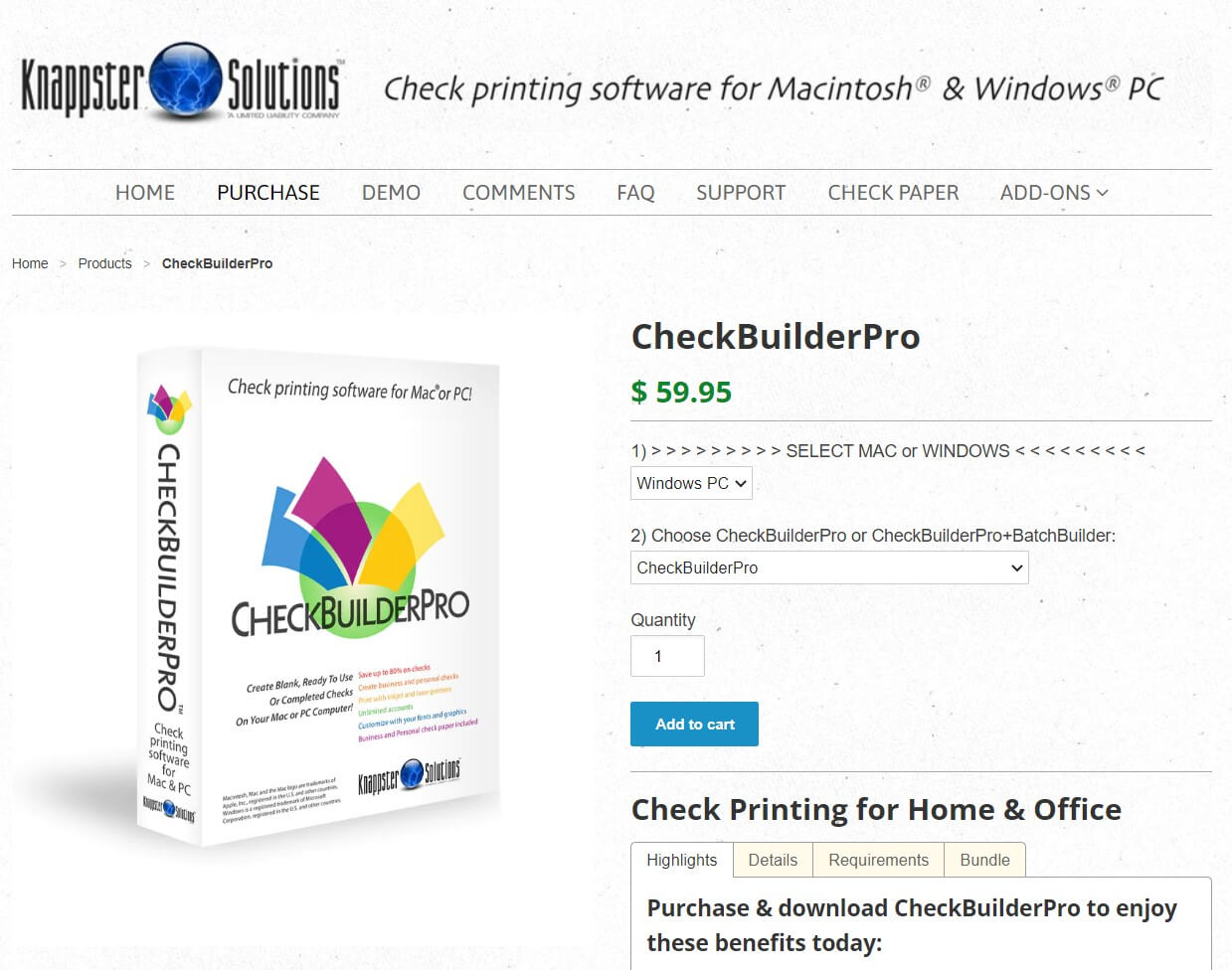
- CheckBuilderPro: $59.95 for individuals who want to print personal checks at a low volume.
- CheckBuilderPro + BatchBuilder Bundle: $69.95 for individuals and small businesses who want to batch-print personal and business checks.
Try CheckBuilderPro today with the demo version.
Our Verdict — Best For Windows
Price: Starts at $29.99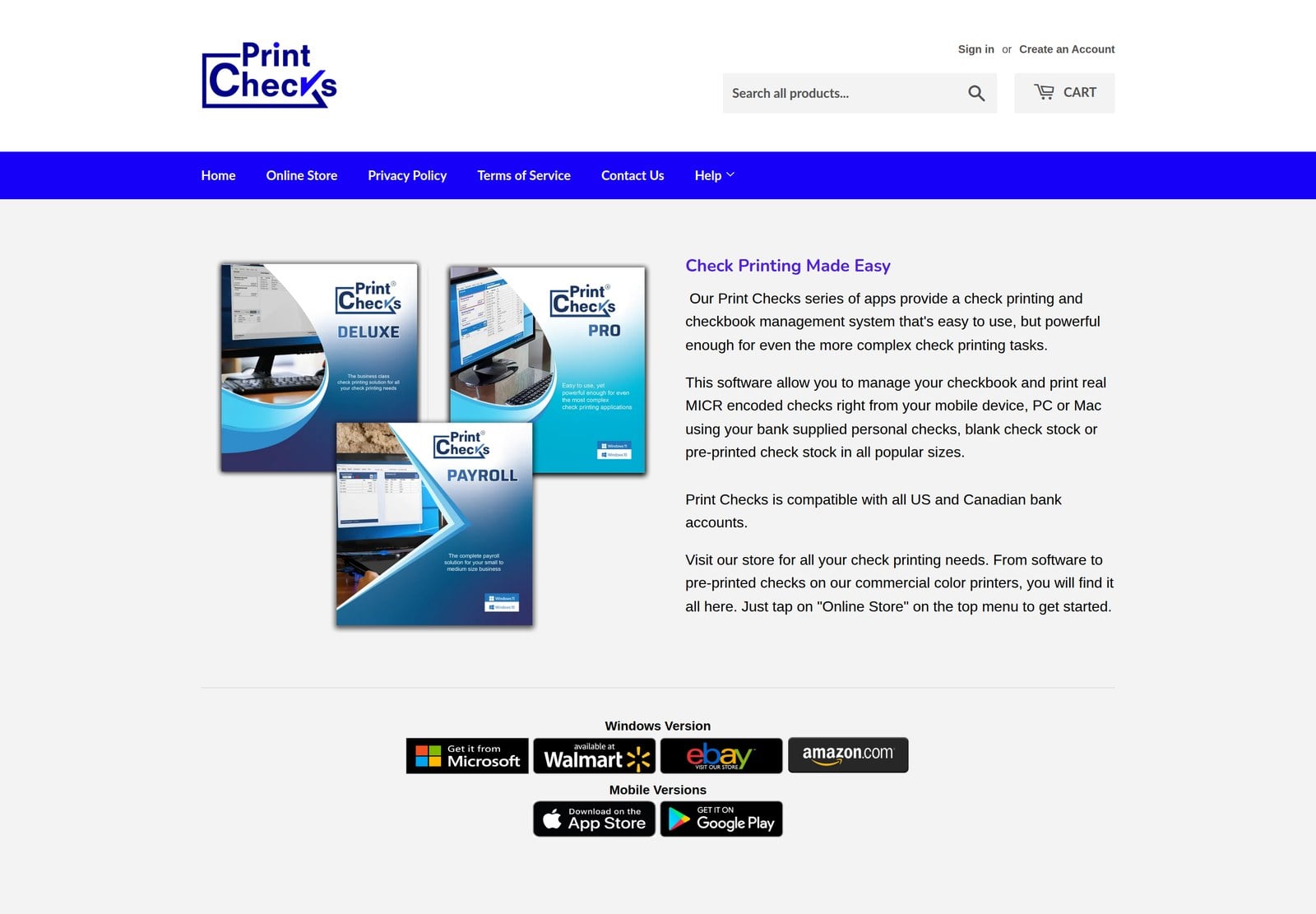
Print Checks Pro is check printing and checkbook management software for Windows 10 and 11, built for home users who want to print their own checks. We think it’s the best for Windows because it’s a one-time download that turns your PC into a check printer for any U.S. or Canadian bank account.
The Best Part:
Bank-ready checks at home. Print MICR-encoded checks on blank check stock or Quicken-compatible pre-printed checks, in top, middle, bottom, or 3-per-page formats.
The Worst Part:
Business tools cost extra. Excel bulk import, register printing, and voucher templates are part of Print Checks Deluxe, not Print Checks Pro.
Get it if you want an inexpensive way to print your own checks on a Windows PC.
I recommend you get the Print Checks Pro download for $29.99, then move up to Print Checks Deluxe if you start printing business checks in bulk.
(one-time payment)
Best For
Print Checks Pro is best for home users on Windows who want to print personal checks and manage their checkbook.
Top Features
- Unlimited accounts. Print checks for as many U.S. and Canadian bank accounts as you need.
- Your logo and signature. Add business logos, bank logos, and signature images to your checks and deposit slips.
- Two-pass printing. Use one printer for the MICR line and another for color, if you want.
- Blank checks in bulk. Bulk print blank checks or deposit slips to fill in later.
- Automatic copies. Print a second copy of each business check for your records, marked “COPY”.
Pricing
Print Checks Pro offers two pricing plans:
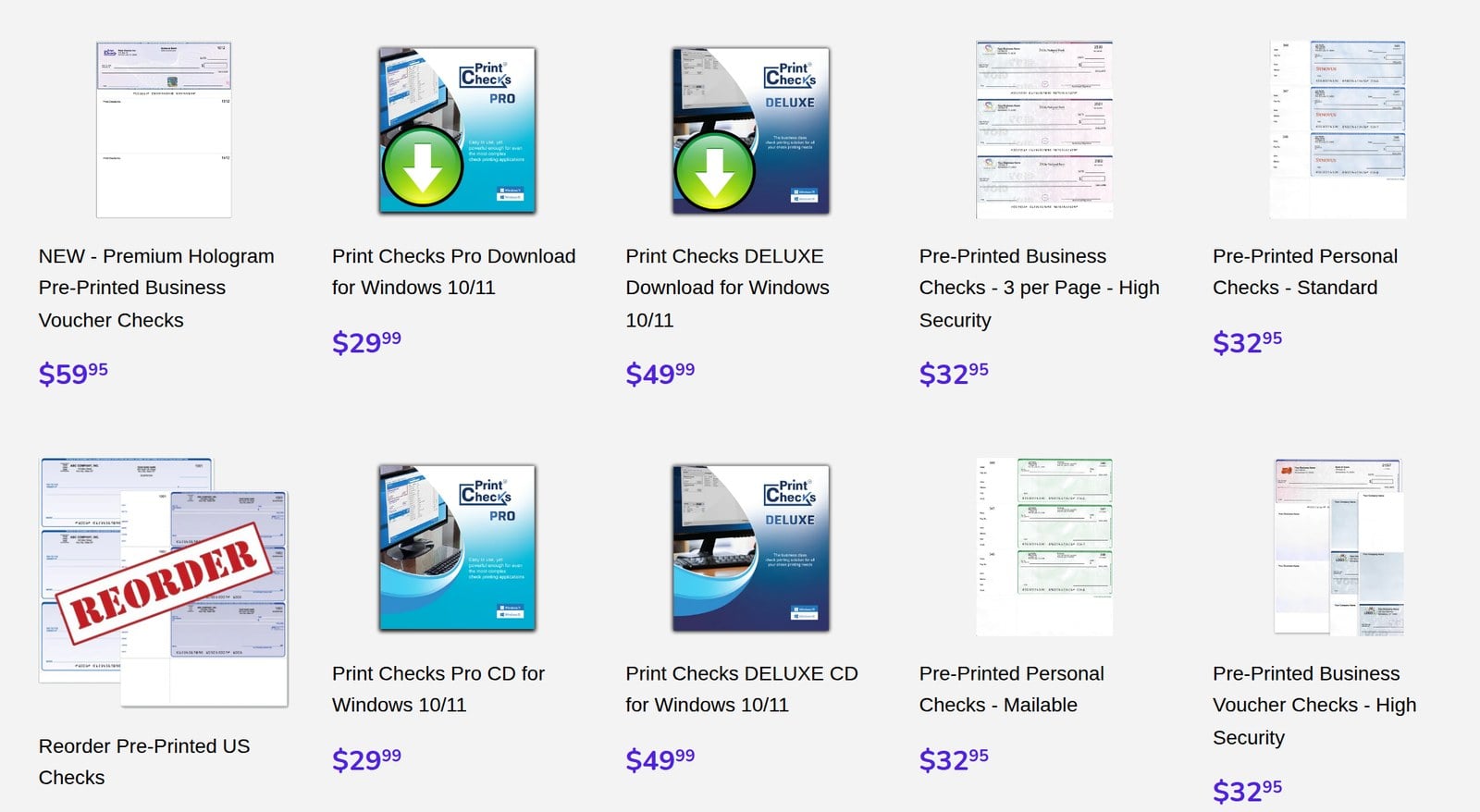
- Print Checks Pro: $29.99 one-time payment, as a download or on CD, for home users who want to print personal checks on Windows 10 or 11.
- Print Checks Deluxe: $49.99 one-time payment, for small and medium-sized businesses that also want Excel bulk import, register printing, and voucher templates.
Try Print Checks Pro today.
Our Verdict — Best For MICR Printing
Price: Starts at $59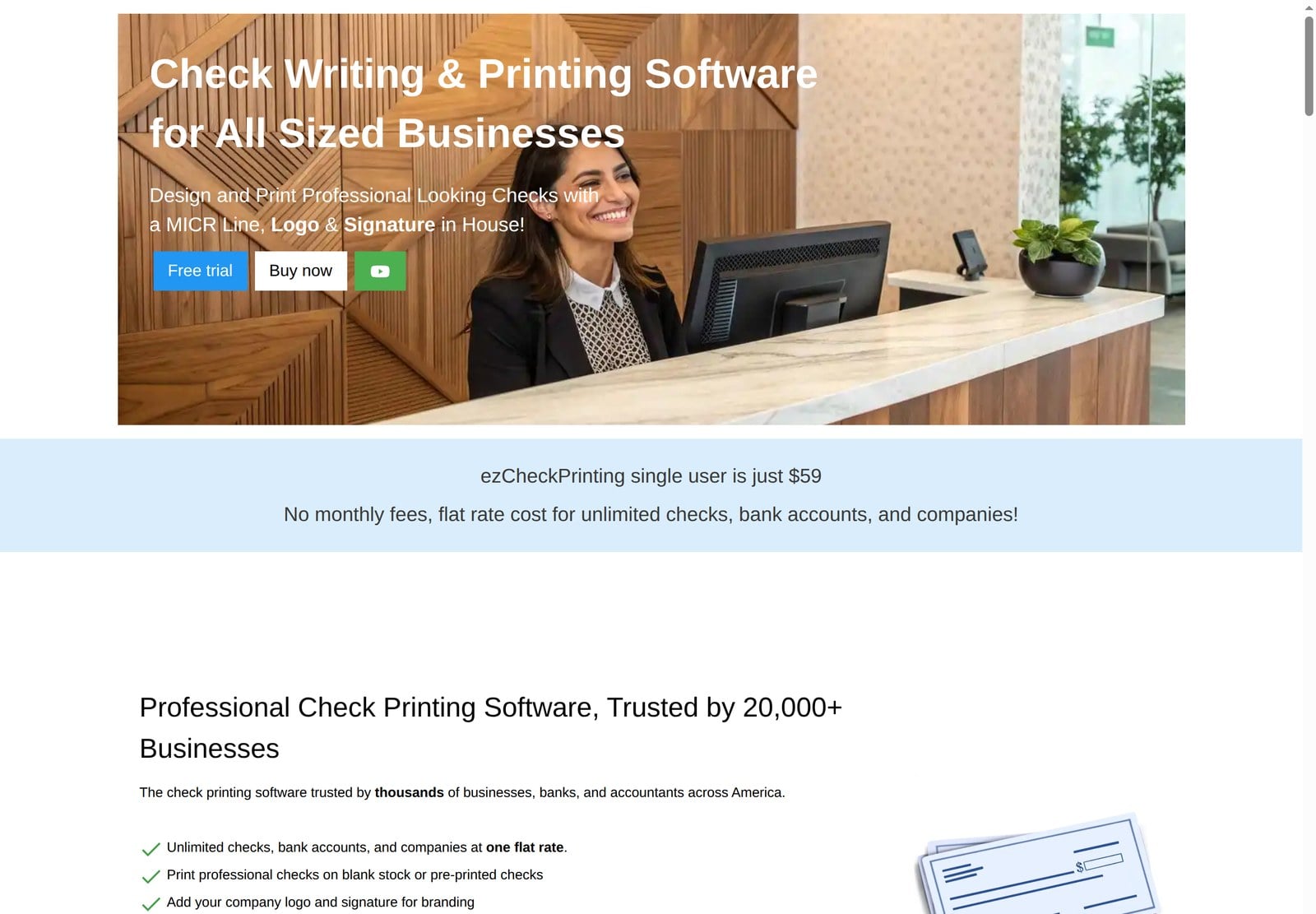
ezCheckPrinting is check writing and printing software from Halfpricesoft that prints professional checks with a MICR line, your logo, and your signature. We think it’s the best for MICR printing because it prints the MICR line on blank check stock, so you don’t have to buy pre-printed checks.
The Best Part:
One flat price. Pay once for unlimited checks, bank accounts, and companies, with no monthly fees.
The Worst Part:
Major upgrades aren’t included. Your purchase covers the current version, so future major releases aren’t free.
Get it if you want to print bank-ready checks in-house without paying a monthly fee.
I recommend you download the free trial, then get the single-user Windows version for $59.
(free trial)
Best For
ezCheckPrinting is best for businesses that want to print their own MICR checks on blank stock.
Top Features
- MICR line printing. Print the MICR line your bank needs to process your checks.
- Custom design. Add your company logo and signature, and adjust fonts, sizes, and layouts.
- Every common format. Print check-on-top, check-in-middle, check-at-bottom, or 3-per-page checks.
- QuickBooks and Quicken. With the QuickBooks versions of ezCheckPrinting, print checks straight from QuickBooks and Quicken through its virtual printer on Windows.
- Fast data import. Import check data from CSV and Excel files to print checks in bulk.
Pricing
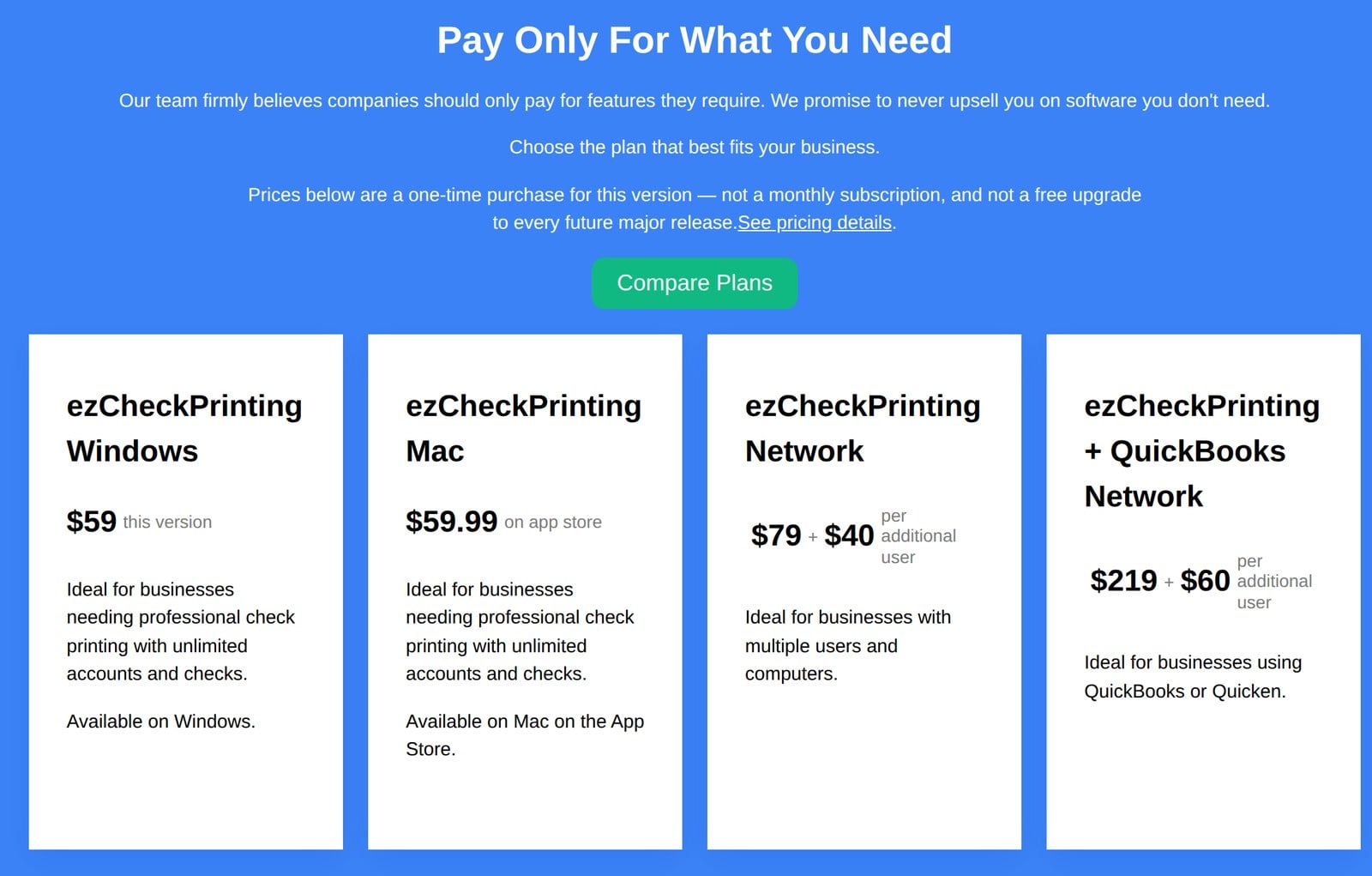
ezCheckPrinting offers four pricing plans:
- ezCheckPrinting Windows: $59 one-time payment, for one user who wants unlimited checks and accounts on Windows.
- ezCheckPrinting Mac: $59.99 on the Mac App Store, for one user on a Mac.
- ezCheckPrinting Network: $79, plus $40 for each additional user, for businesses with multiple users and computers.
- ezCheckPrinting + QuickBooks Network: $219, plus $60 for each additional user, for businesses that print checks from QuickBooks or Quicken.
Try ezCheckPrinting today with the free trial.
7. VersaCheck
Our Verdict — Best For Home Use
Price: Starts at $14.98/month
VersaCheck makes check software and supplies for home and small business users, and VersaCheck Online is its web app for creating custom checks, sending eChecks, and keeping track of your money. We think it’s the best for home use because its Silver plan covers personal checks for a single user.
The Best Part:
Checks and eChecks in one place. Print custom checks when you need them, or send and receive eChecks instantly.
The Worst Part:
Print credits are limited. Each plan includes a set number of free print credits, and monthly plans include fewer than annual ones.
Get it if you want to print personal checks and manage your household budget from one web app.
I recommend you start with the Silver plan, and pay annually to cut the price in half.
(50% off annual plans)
Best For
VersaCheck is best for home users who want to print personal checks and keep track of their budget online.
Top Features
- Custom checks on demand. Design and print your own checks whenever you need them.
- Instant eChecks. Send and receive eChecks instantly, or email checks straight to the payee.
- Budgets and balances. Track balances and expenses, manage budgets, and reconcile your accounts.
- Recurring payments. Set up recurring payments and collections so you don’t have to remember them.
- Works with QuickBooks. Use VersaCheck alongside QuickBooks and other accounting software.
Pricing
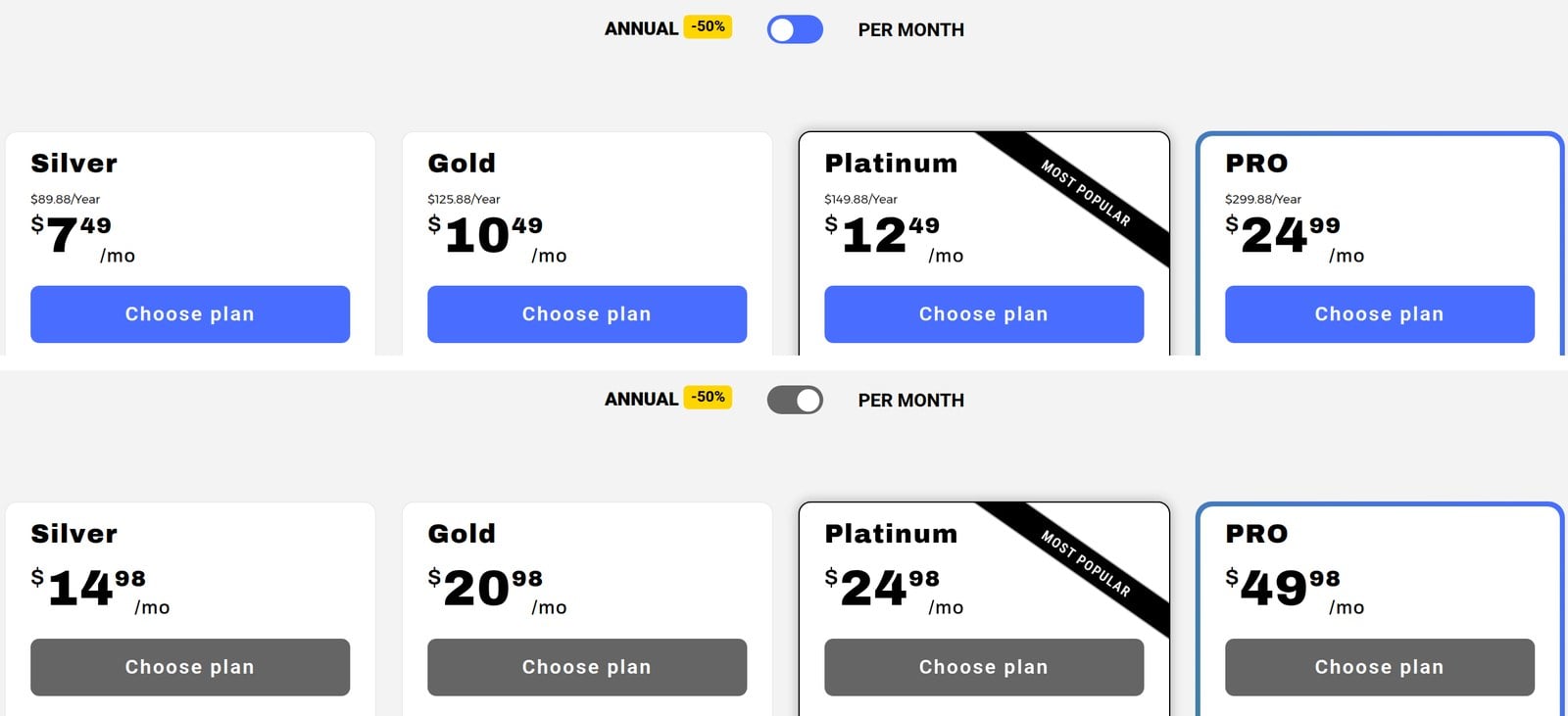
VersaCheck offers four pricing plans:
- Silver: $14.98/month, or $89.88/year, for one user with 3 bank accounts and personal checks.
- Gold: $20.98/month, or $125.88/year, for 3 users with 5 bank accounts and business checks.
- Platinum: $24.98/month, or $149.88/year, for 5 users with 20 bank accounts and digital signatures.
- PRO: $49.98/month, or $299.88/year, for up to 100 users with unlimited bank accounts and check drafts.
Annual subscriptions provide a 50% discount.
Try VersaCheck today.
Our Top Three Picks
Here’s a quick summary of our top three picks:
- Online Check Writer — best of the best
- Deluxe — best for custom checks
- Checkeeper — best for accounting integrations
Here’s a quick comparison of our top seven picks:
Tool | Entry Offer | Pricing |
|---|---|---|
Online Check Writer | 60-day money-back guarantee | Pay as you go |
Deluxe | 100% satisfaction guarantee | Starts at $79.99 |
Checkeeper | 14-day free trial | Starts at $14.99/mo |
CheckBuilderPro | Free demo | Starts at $59.95 |
Print Checks Pro | One-time payment | Starts at $29.99 |
ezCheckPrinting | Free trial | Starts at $59 |
VersaCheck | 50% off annual plans | Starts at $14.98/mo |
Here are the top 50 check printing software tools we considered in this review:
- Online Check Writer
- Deluxe
- Checkeeper
- CheckBuilderPro
- Print Checks Pro
- ezCheckPrinting
- VersaCheck
- Checkbook
- Check Writer III+
- VersaCheck X1 Silver
- AccelMax
- PrintBoss
- PostGrid Check Print & Mail Automation Software
- InstiCheck
- Free CPP
- Cheque Printing
- Cheque Print
- Check Print R+
- Adobe Illustrator
- Just Checking
- Goldenseal
- ezCheckPersonal
- Deluxe Payment Exchange
- DumiCycle
- AccountEdge Pro
- Checkrun
- MultiCHAX
- Paystation's CPE Cloud
- CheckPartner Enterprise
- Payroll PRO
- CheckIssuing
- Xero
- ClearCheckbook
- Lob
- CheckStream
- Checksoft
- SpendTrim
- Avidxchange
- CheckMATE
- Postmark
- VistaPrint
- NetSuite Applications Suite
- Zoho Books
- Harland Clarke
- Premiercheck
- CheckMark Payroll Software
- CheckSify
- Instant Check
- Zil Money
- Source Technologies
Frequently Asked Questions About Check Printing Software
What is the best check printing software overall?
Online Check Writer is our top pick overall. It lets you print, mail, and send checks, ACH, and wires from one place, connects to your accounting software, and caps your ACH fee per payment.
How do you choose check printing software?
Match the tool to your setup. Reach for Online Check Writer overall, Deluxe for custom checks, Checkeeper for accounting integrations, CheckBuilderPro for individuals and small businesses, Print Checks Pro on Windows, ezCheckPrinting for MICR printing, and VersaCheck for home use.
Is there a free check printing option?
Yes. ezCheckPrinting and Checkeeper both offer free trials you can run before you buy, and CheckBuilderPro has a free demo version.
What hardware do I need to print my own checks?
You need an inkjet, laserjet, or even an offset printer. For checks your bank processes via MICR, use a specialized MICR (short for Magnetic Ink Character Recognition) printer.
Can I buy blank check paper instead of pre-printed checks?
Yes. Blank check paper is sold at office supply stores as a cost-effective alternative to pre-printed checks. Just make sure the paper meets your bank's standards before you print.
Which check printing software is best for QuickBooks users?
Checkeeper is our pick for accounting integrations and connects to QuickBooks, plus Xero and FreshBooks. You can also print from QuickBooks Desktop directly through the Banking menu and Write Checks.
What is the best check printing software for big businesses?
Online Check Writer is our pick for big businesses. Its Enterprise plan comes with volume pricing, custom integrations, and one-on-one support.
Is there a check printing option without a recurring subscription?
Yes. CheckBuilderPro is our pick for individuals and small businesses with no recurring fees. You pay once upfront and keep access.
Which check printing software should I try first?
Start with Online Check Writer for an all-around cloud option and Checkeeper if you run your books in QuickBooks or Xero. Whatever you pick, check your bank's specific requirements and regulations before you commit.
The Bottom Line
To recap, here are the best check printing software solutions to try this year:
- Online Check Writer — best of the best
- Deluxe — best for custom checks
- Checkeeper — best for accounting integrations
- CheckBuilderPro — best for individuals and small businesses
- Print Checks Pro — best for Windows
- ezCheckPrinting — best for MICR printing
- VersaCheck — best for home use