

Today there are 510 different video editing apps for iPhone. We spent 75 hours comparing the top 50 to find the seven best you can use to turn your iPhone into a studio.
What is the Best Video Editing App for iPhone?
- LumaFusion — best of the best
- YouCam Video — best for social media
- Splice — best for non-techy users
- Adobe Premiere Rush — best for beginners
- KineMaster — best for advanced users
- Invideo Filmr — best for creatives
- Quik — best for sportists
1. LumaFusion
Our Verdict — Best Of The Best
Price: $29.99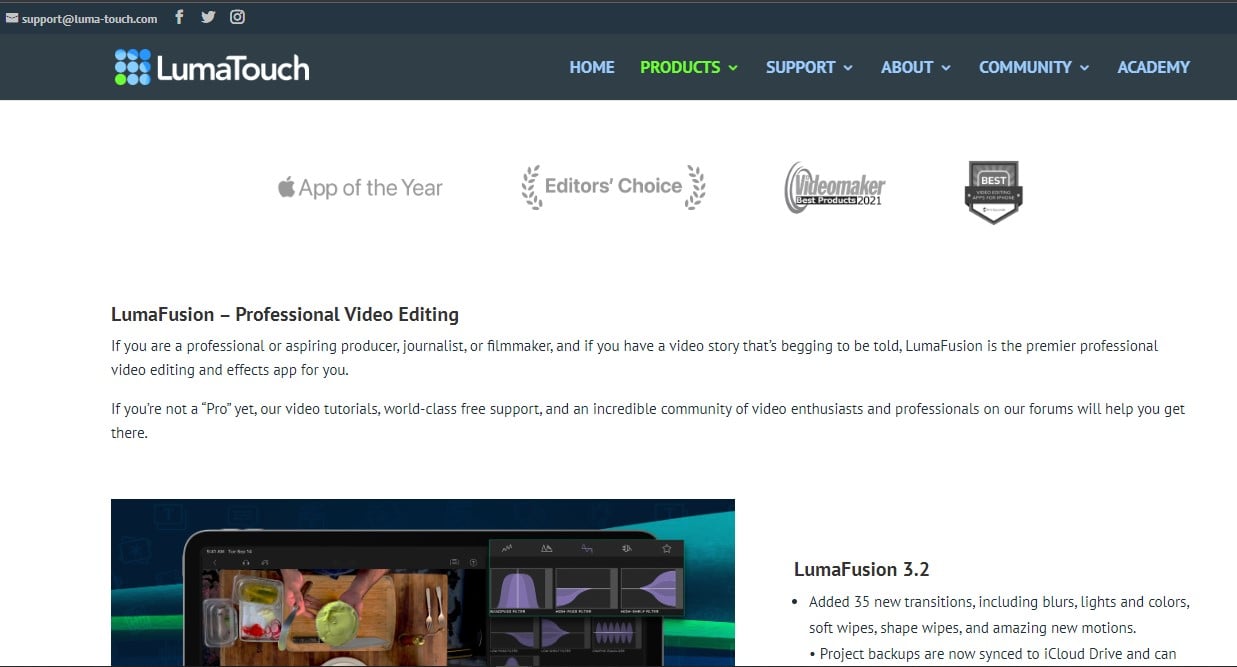
LumaFusion offers everything power users are going to need in a multitrack video editor. We think it’s the best of the best because of its extensive library of features and effects, connectivity, and processing power.
The Best Part:
Professional grade. LumaFusion is the #1 video editor for iPhones because it offers a full editing experience, almost the same horsepower as you’d get on a desktop app.
The Worst Part:
Eventual misclicks. You may find yourself trying to click the right spot two or three times, when you’re doing some fine editing.
Get it if you want the best, most professional video editing experience you could possibly ask for on an iPhone.
I recommend you buy LumaFusion for $29.99.
($29.99 one-time fee)
Best For
LumaFusion is best for anyone who wants to have a professional video editor right in their pockets.
Top Features
- Tons of tracks. LumaFusion lets you add six audio/video tracks, plus six other audio-only tracks, so you can create rich, pro-looking videos.
- Easy file access. You can import media directly from your photos, GNARBOX, external USB-C drives, royalty-free sites, and much more.
- Easy titling. Creating titles, shapes, images, subtitles, and more is super easy. You can even use custom fonts and save presets to save you time.
- Big FX library. You get all kinds of professional grade FX: layer effects, blurs, chroma keys, stabilizer, LUTS, speed effects… and much more.
- Save and share. You can save and share your work to an external drive, Google Drive, Photos app, YouTube, and more.
Pricing
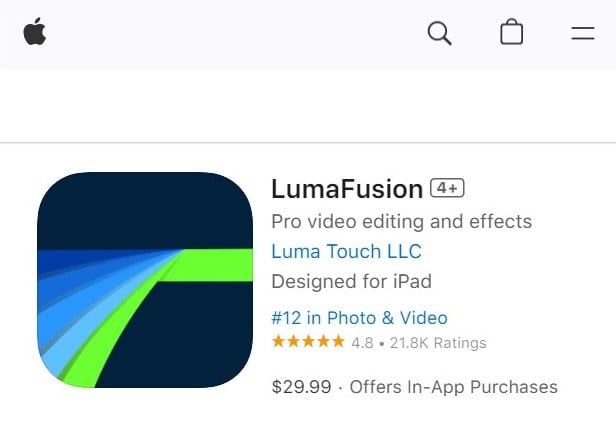
LumaFusion offers a single pricing plan:
- LumaFusion: $29.99 for anyone who wants the most powerful video editing experience they can get on an iPhone.
2. YouCam Video
Our Verdict — Best For Social Media
Price: Starts with a free plan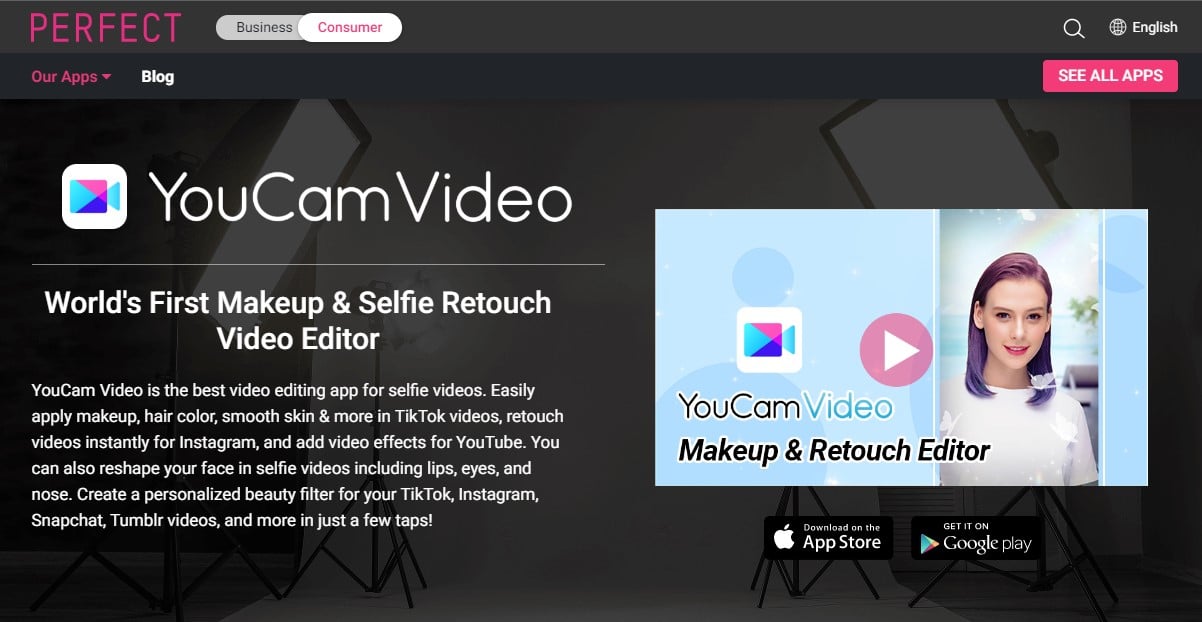
YouCam Video is the perfect companion for social media addicts. We think it’s the best for social media because of its extensive beautifying options and how easy it is to use.
The Best Part:
Get influencer-like looks. Get endless features to elevate looks, within but a few clicks… and get that famous influencer look!
The Worst Part:
Limited free plan. Most of the coolest features are behind a paywall, and it might feel frustrating seeing how much you can’t access on the free plan.
Get it if you want to beautify your selfie videos for your social media.
I recommend you get started with the free plan, then purchase add-ons to unleash YouCam Video’s full power.
(free plan)
Best For
YouCam Video is best for social media addicts who want to glamorize their videos.
Top Features
- It makes your videos shine. You can add a ton of stunning video effects, filters, animated stickers, and more, to make your videos pop like it’s hot.
- Smooth complexion. With YouCam Video’s Blemish Remover, you can retouch your skin for a refined look.
- Face slimming. Retouch your lips, eyes, nose, whiten your teeth, remove wrinkles, and much more — think TikTok’s beauty filter on steroids.
- Virtual makeup. Give your videos an instant virtual makeover with lipstick, eyeshadow, virtual contact lenses, and more.
- Hair color explosion. You can edit your hair color as you wish: single color, two-toned, unicorn hair, and a lot more.
Pricing
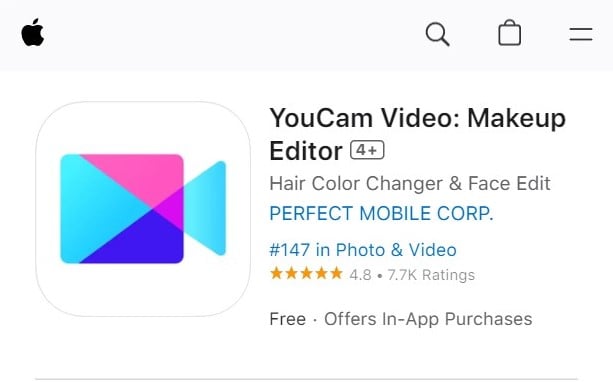
YouCam Video offers two pricing plans:
- Free: Free version of the app, for anyone interested in getting started with video editing.
- In app purchases: Multiple in app purchases are available.
Try YouCam Video today with the free plan.
3. Splice
Our Verdict — Best For Non-Techy Users
Price: Starts with a free plan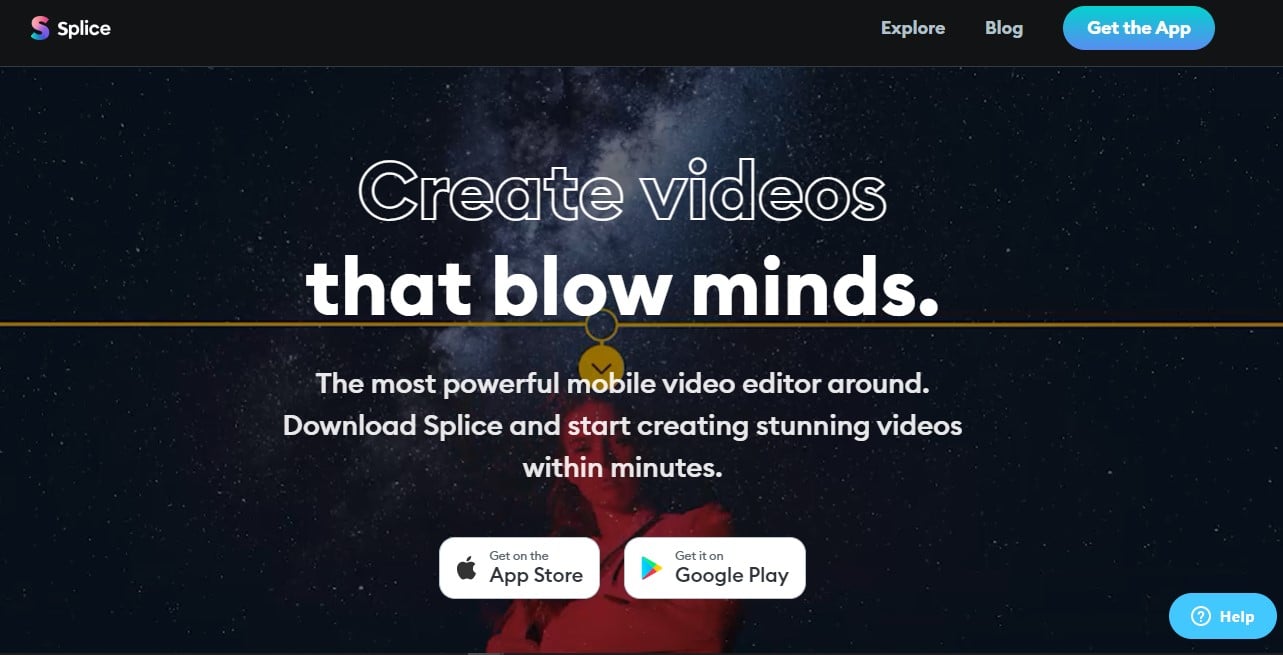
Splice is one of the most powerful video editors for iPhone. We think it’s the best for non-techy users because of its smooth user interface, automatic subtitles feature, and easy uploading integrations.
The Best Part:
Never post a boring video again. Splice lets you do everything in order to make your videos stand out, like trimming, cutting, merging, adding titles, adjusting speed, adding cool effects… Go wild!
The Worst Part:
It could have more transitions and effects. Even though Splice comes with very nice effects, some users might wish there were more options.
Get it if you want amazing videos without having to spend time watching tutorials.
I recommend you get started with the free version of Splice, then purchase add-ons to power up your experience.
(free plan)
Best For
Splice is best for non-techy users who want to create beautiful videos without effort.
Top Features
- Jaw-dropping speed effects. With Splice’s Speed Ramp, you can pick up the pace or slow it all down, to make the most out of the action. Tasty!
- Automatic subtitles. Splice generates subtitles for your videos automatically, so people can understand you even if they don’t enable sound.
- It’s an absolute breeze. Even though Splice packs a ton of power, it still sports a very Intuitive user interface. You probably won’t even need to read any kind of instructions to get going.
- Tons of BG music. Splice offers a huge library of royalty free music with many genres like pop, hip hop, reggae, and a lot more.
- Ready, click, go. Splice can upload your videos straight to social media sites like Instagram, YouTube, and Facebook, right from your app.
Pricing
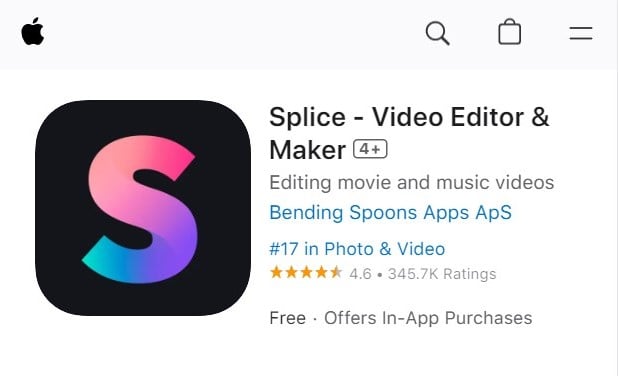
Splice offers two pricing plans:
- Free: Free plan for people starting out their video editing journey.
- In app purchases: Multiple in app purchases are available.
Try Splice today with the free plan.
Our Top Three Picks
Here’s a quick summary of our top three picks:
- LumaFusion — best of the best
- YouCam Video — best for social media
- Splice — best for non-techy users
Here’s a quick comparison of our top seven picks:
Tool | Entry Offer | Pricing |
|---|---|---|
LumaFusion | None | $29.99 |
YouCam Video | Free plan | Multiple add-ons |
Splice | Free plan | Multiple add-ons |
Adobe Premiere Rush | Free plan | $9.99/mo |
KineMaster | Free plan | Starts at $3.99/mo |
Invideo Filmr | Free plan | Starts at $$3.99/wk |
Quik | Free plan | Starts at $1.99/mo |
Here are the top 50 video editing tools for iPhone we considered in this review:
- LumaFusion
- YouCam Video
- Splice
- Adobe Premiere Rush
- KineMaster
- Invideo Filmr
- Quik
- Magisto
- InShot
- Videoleap
- Clips
- Funimate
- VivaVideo
- PicPlayPost
- Filmmaker Pro
- Movavi Clips
- VideoProc Vlogger
- FilmoraGo
- iMovie
- WeVideo
- Vimeo Create / Magisto
- VSCO
- PowerDirector
- VideoGrade
- ActionDirector
- Pinnacle Studio
- Vizmato
- Videoshop
- VideoShow
- Mojo
- Clipchamp
- Dynamite Standard
- Video FX
- Unfold
- Cinemagraph Pro
- Write-on Video
- DebugMode Wax
- Avidemux
- Cameo
- Vont
- Perfect Video
- Spark Camera
- HitFilm Express
- Picsart
- Viva Cut
- Clideo
- Canva
- Veed
- Crello
- Apple Clips
Frequently Asked Questions About Video Editing Apps for iPhone
What is the best video editing app for iPhone?
LumaFusion is our top pick for iPhone. This paid app gives you six audio and video tracks plus six audio-only tracks, a professional-grade effects library, and custom-font titling.
What makes LumaFusion the top iPhone video editor?
You get six audio and video tracks plus six audio-only tracks, a professional-grade effects library, and custom-font titling. Unlike most apps here, it is a paid app rather than a free plan with in-app purchases.
Are there free video editing apps for iPhone?
Yes. Several apps run on a free plan, including YouCam Video, Splice, Adobe Premiere Rush, KineMaster, Invideo Filmr, and Quik. Most pair that free plan with in-app purchases or paid upgrades.
Which iPhone video editing app is best for beginners?
Adobe Premiere Rush is the one to reach for as a beginner. You start on a free plan and move to a paid tier when you want more.
Which iPhone video editing app is best for social media?
YouCam Video is our pick for social media. It runs on a free plan with in-app purchases and gives you beauty filters, a blemish remover, face slimming, virtual makeup, and hair color editing.
Which video editing app is best for non-techy users?
Splice is the one to reach for if you want simple. You get speed ramp effects, automatic subtitle generation, a royalty-free music library, and direct social uploading on a free plan with in-app purchases.
What features should I look for in an iPhone video editing app?
Look for a simple, intuitive interface, storyboard or timeline editing modes, auto-save with project templates, and color grading and correction. Also weigh video stabilization, audio normalization and effects, platform-optimized export, and motion graphics and overlays.
Which iPhone video editing app is best for advanced users?
KineMaster is our pick for advanced users. You start on a free plan and unlock paid tiers as your edits get more demanding.
Which iPhone editing apps are worth trying first?
Start with the seven we rate highest, each matched to a use case: LumaFusion, YouCam Video, Splice, Adobe Premiere Rush, KineMaster, Invideo Filmr, and Quik. We tested many apps over hours to get here.
The Bottom Line
To recap, here are the best video editing apps for iPhone to try this year:
- LumaFusion — best of the best
- YouCam Video — best for social media
- Splice — best for non-techy users
- Adobe Premiere Rush — best for beginners
- KineMaster — best for advanced users
- Invideo Filmr — best for creatives
- Quik — best for sportists